Review code changes
Open a file’s diff on your phone to see what your agent changed. Keep or undo supported edits.
Hooky for developers
Give Claude Code, GitHub Copilot or Codex a task from your phone. Your agent works in the VS Code workspace on your connected computer.
Choose your IDE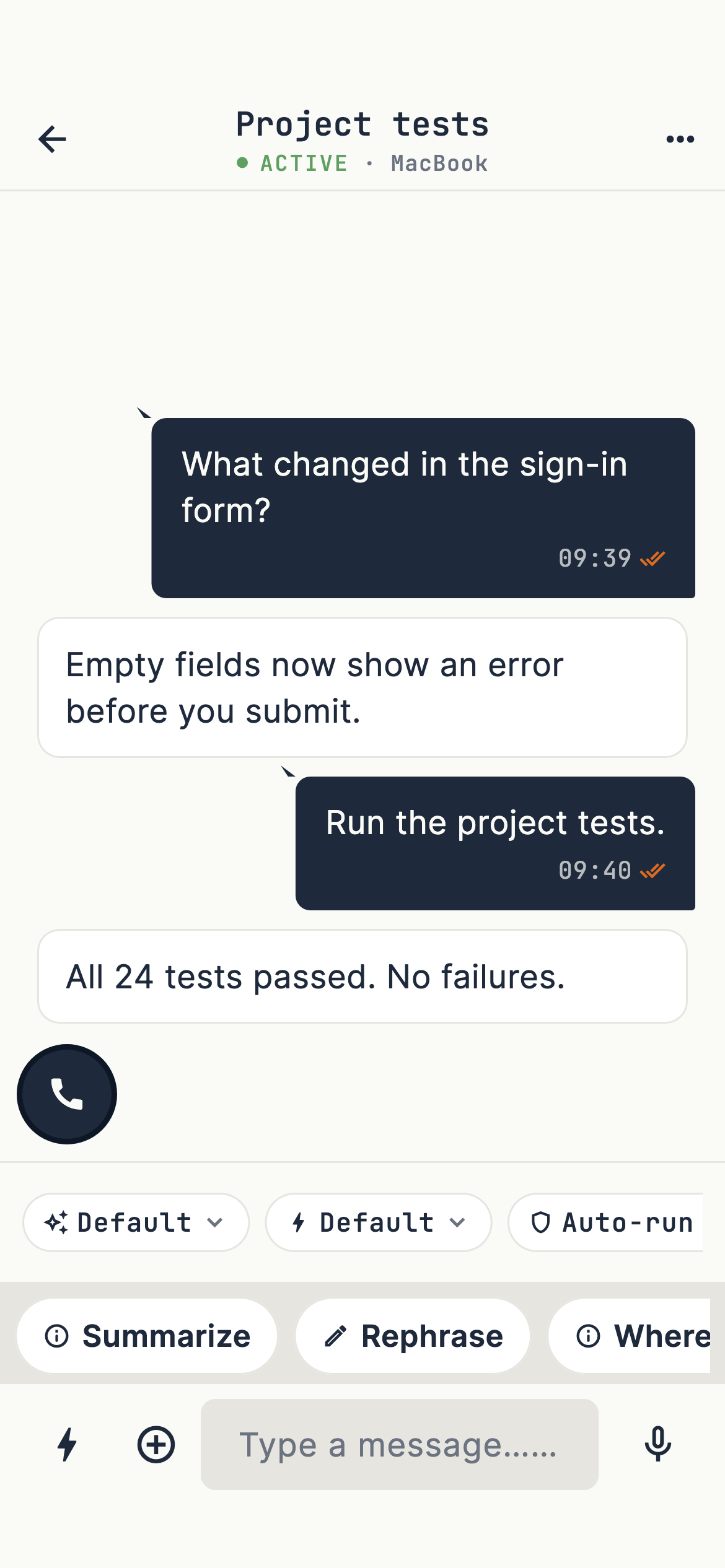
Open a file’s diff on your phone to see what your agent changed. Keep or undo supported edits.
Run a command on your connected computer. Read the build output or answer a prompt from your phone.
Browse the folders in your project. Open a file to read or edit it from your phone.
Install Hooky from the Visual Studio Marketplace. Open the extension in your workspace and scan its QR code with the Hooky mobile app. Keep VS Code open, your computer online and your chosen agent signed in.
For developers who work with their coding agent in IntelliJ IDEA.